

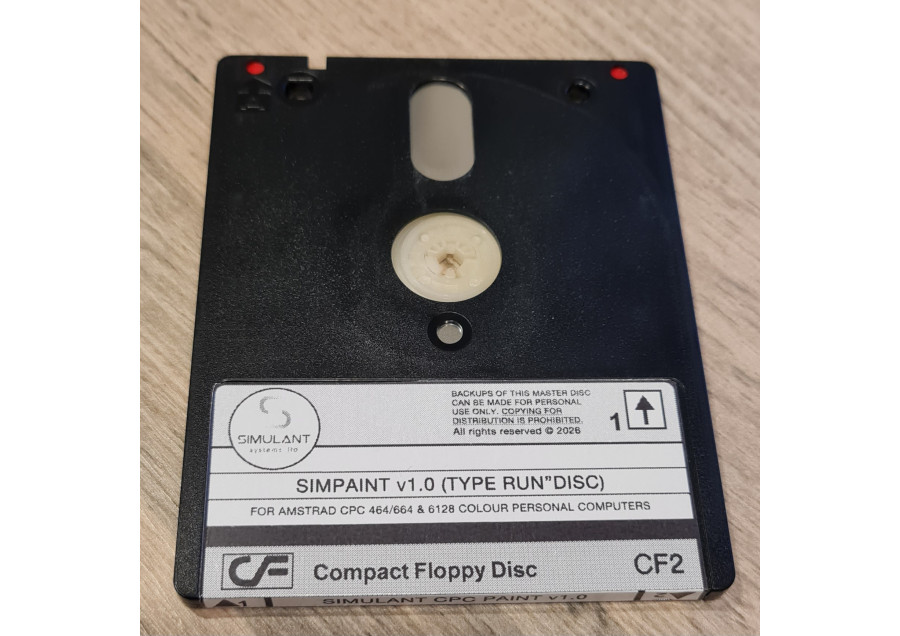
DIGITAL DOWNLOAD - CHOOSE THE AMSTRAD CPC OR ZX SPECTRUM VERSION
Disc images for real floppies, a Gotek, an SD card or tape, with the full manual
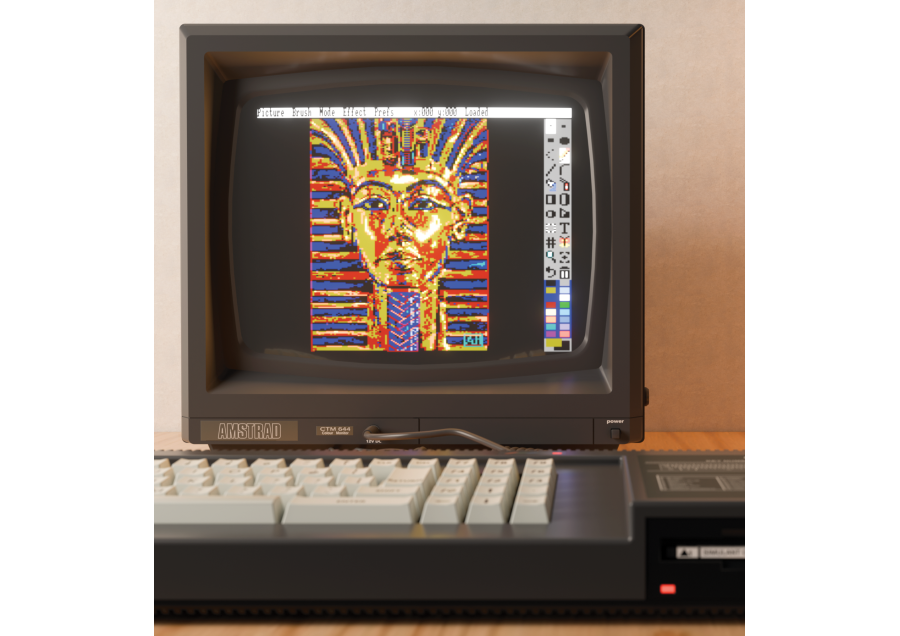
SimPaint: Deluxe Paint-Style Pixel Art for the Amstrad CPC, ZX Spectrum and Spectrum Next
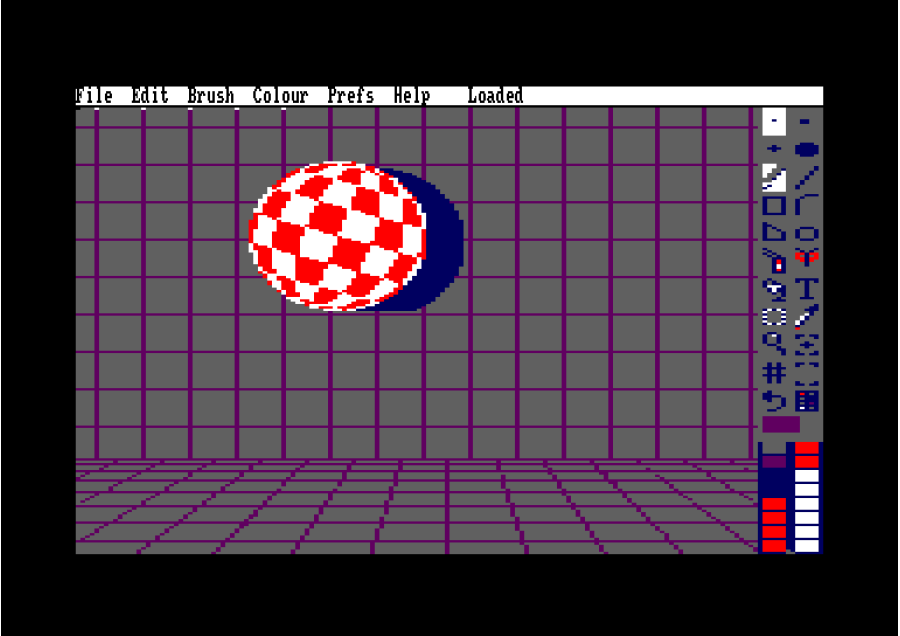
A complete paint, pixel-art and animation package for the Amstrad CPC and the ZX Spectrum 128K, +2, +3 and Spectrum Next, heavily inspired by Deluxe Paint on the Amiga.
Choose the version for your machine when you buy. Both share one file format, so a picture made on a CPC opens in SimPaint on a Spectrum, and the other way round.
The Deluxe Paint Way of Working
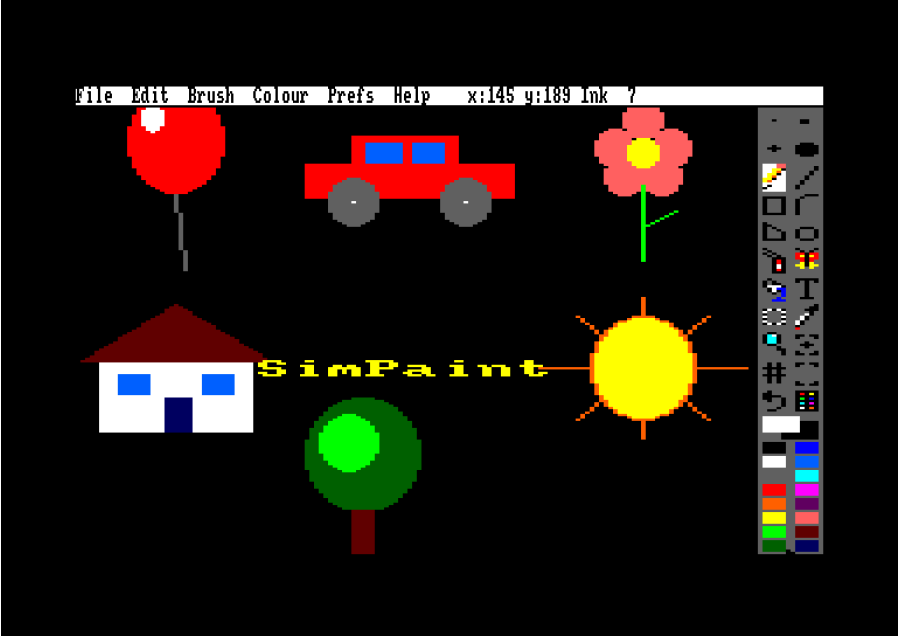
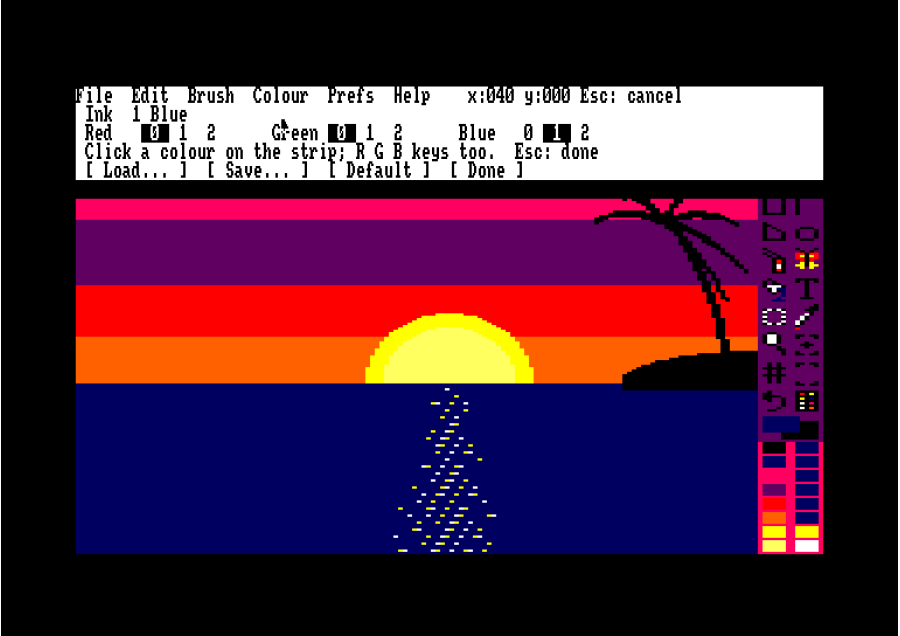
- A menu bar, a tool strip and single-key shortcuts for every tool - nothing gets in the way of drawing.
- Pick-up brushes - grab any part of your picture and paint with it, with every tool.
- Left button paints the ink, right button the paper.
- Animation frames and colour cycling to bring your pictures to life.
Paint, Animate, Share
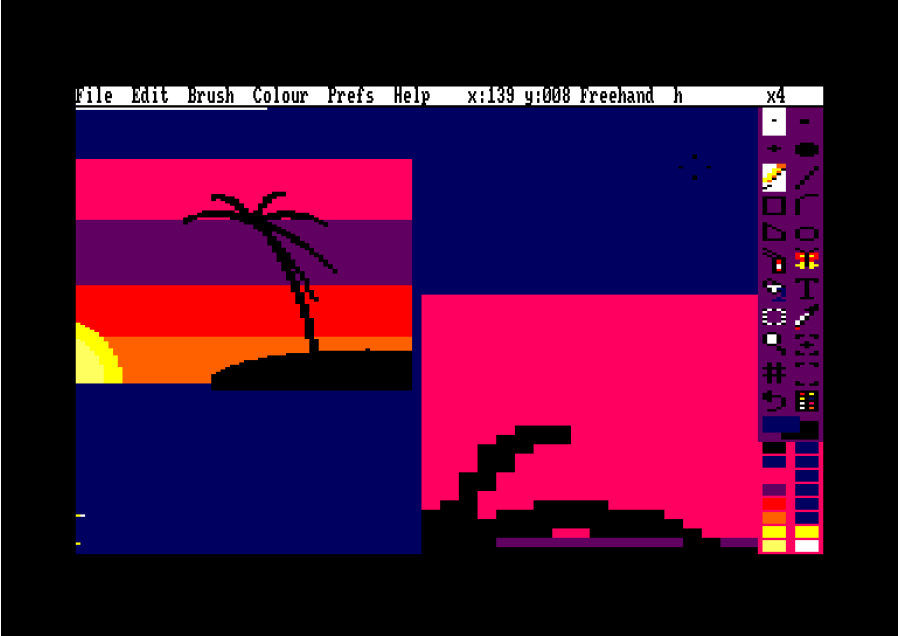
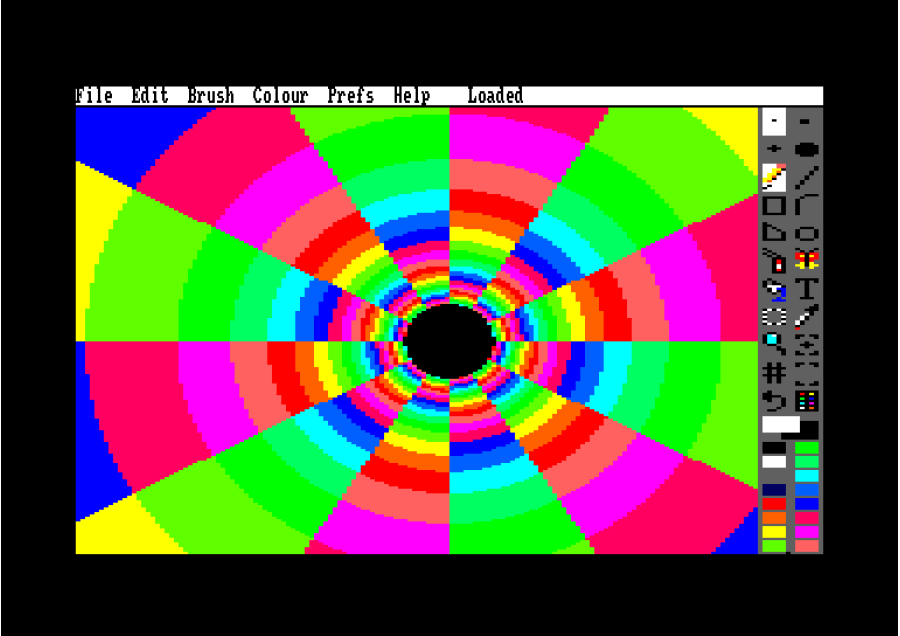
- Every tool you need: freehand, line, curve, rectangle, circle, ellipse, polygon, airbrush, fill, text and mirror, with brushes, Clone, a magnifier, zoom and a snap grid.
- Animation: add and copy frames, paint on each one, and play them full screen. Each frame stores only what changed, so small moves leave room for many frames.
- Colour cycling: flowing water, fire and glowing lights, played straight from the palette.
- Undo and redo, several steps back.
- SimPaint files are small, lossless and keep every frame, and open in SimPaint on the other machine too.
- English, Spanish, French or German, help pages included, switchable at any time.
- Keyboard, joystick or mouse.
Amstrad CPC: Every Model, Every Mode
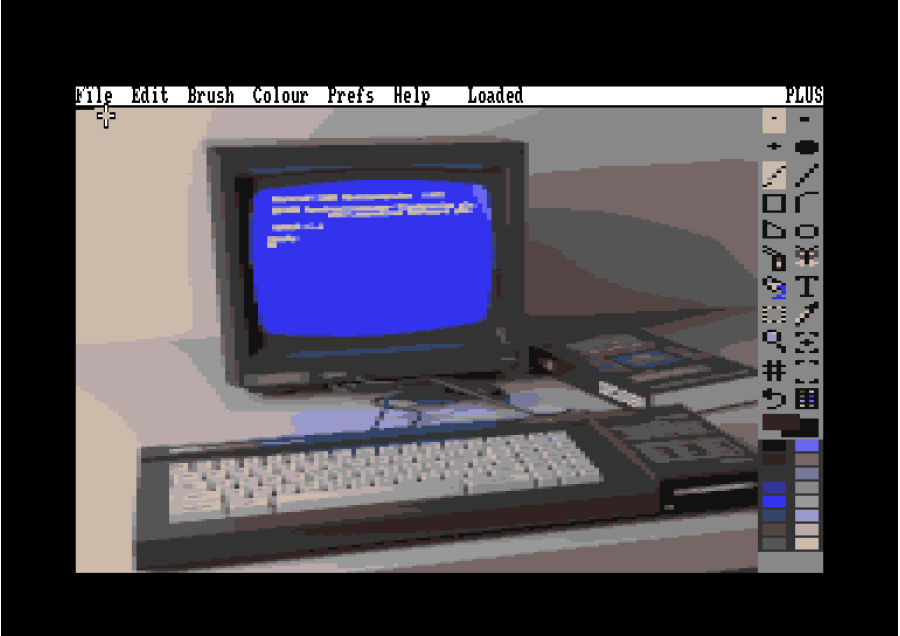
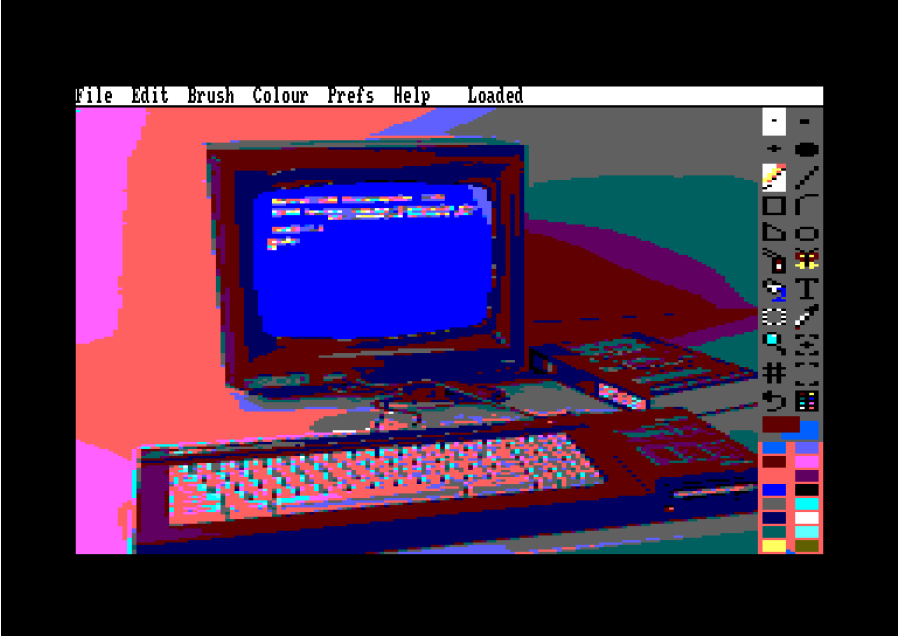
From a 464 with a disc drive to the 6128 Plus with its 4096-colour palette and smooth hardware pointer.
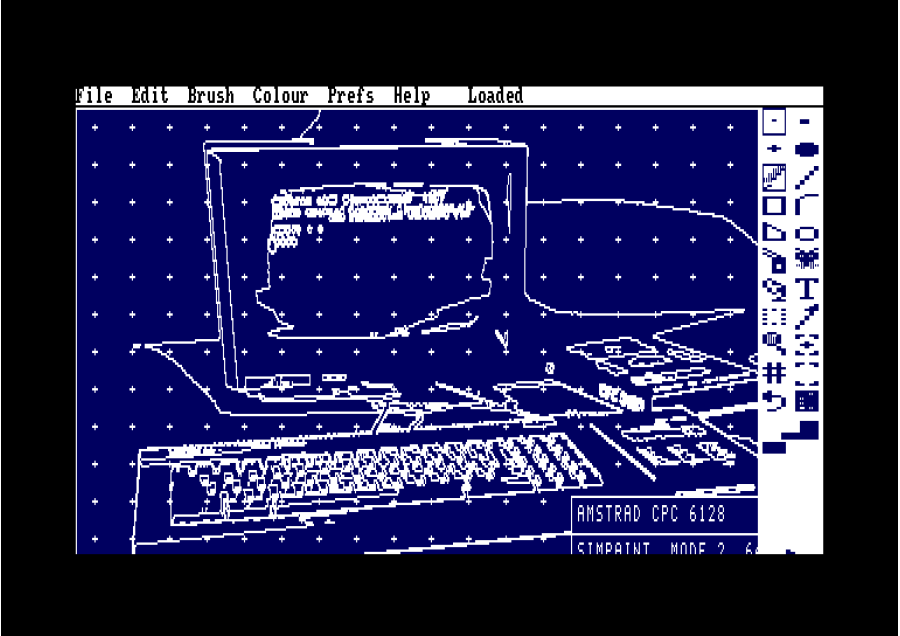
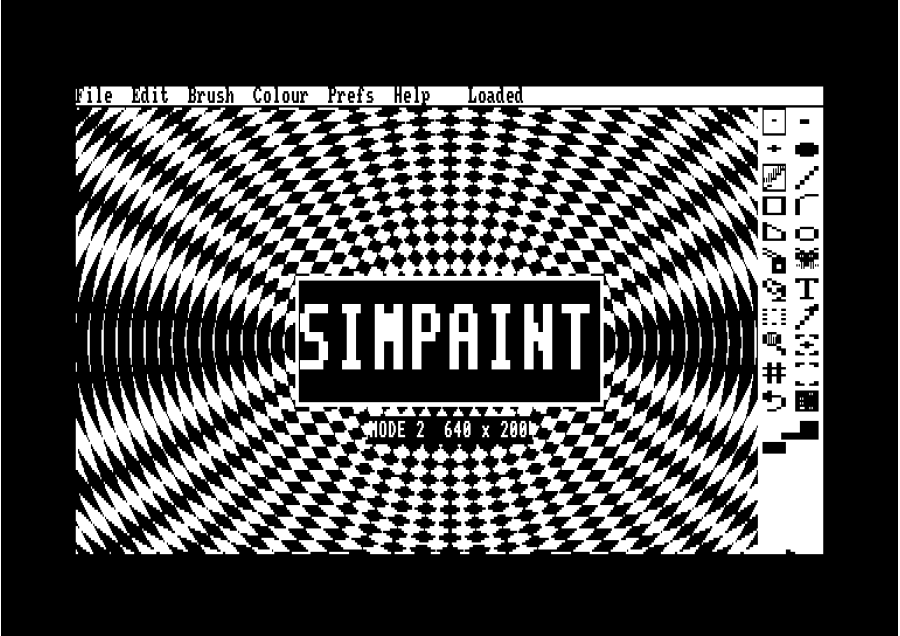
- MODE 0, 1 and 2, with conversion between them, and full-screen overscan pictures that fill the borders too.
- Fill patterns, fonts, flip, rotate, crop and colour effects.
- PC pictures in and out: open BMP and PNG pictures, and export your work as PNG or BMP.
- Opens it all: OCP Art Studio, FreeOCP and ConvImgCpc pictures, Multiface II saves and emulator snapshots.
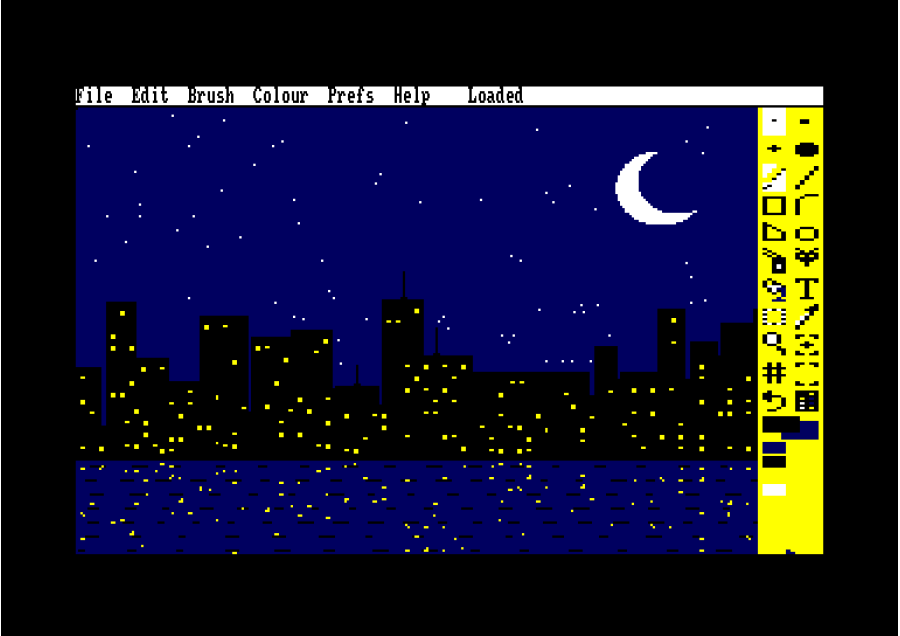
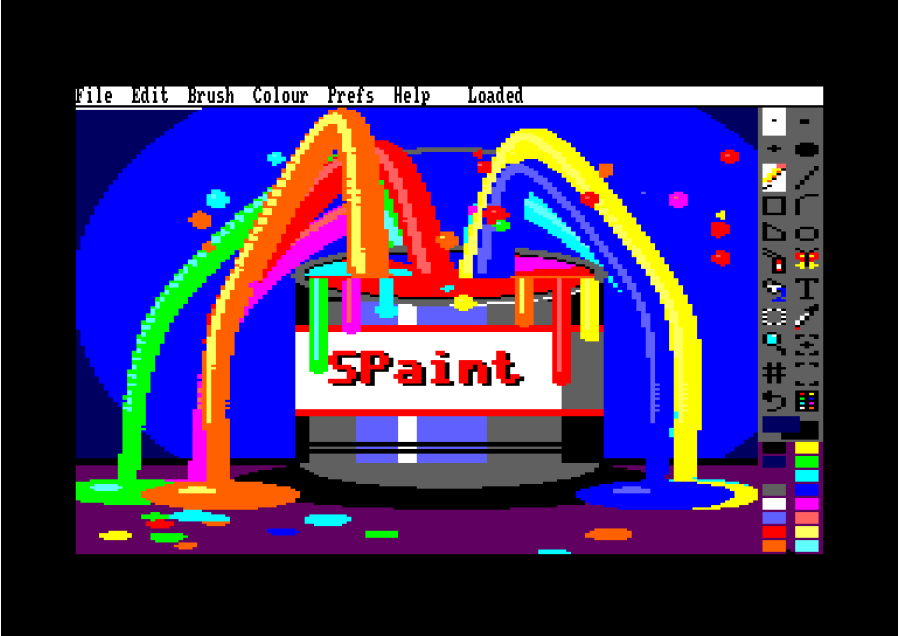
- Art disc included: 15 example pictures, colour-cycling pictures, 36 brushes, fonts, fill patterns and a picture show that runs on any CPC.
ZX Spectrum: Colour Clash Handled for You
For the 128K, +2, +2A, +3 and Spectrum Next, on the Spectrum's own screen.
- Smart attributes: SimPaint keeps the colours that change the fewest pixels in each 8 x 8 square, and a colours-only brush recolours a drawing without clash.
- Redefine all 16 colours on a Spectrum Next (from 512) or with ULAplus (from 256), with colour cycling.
- Onion skin for animation, and sprite-size pictures for sprites, tiles and icons.
- SCREEN$, snapshots and Next pictures (.SCR, .SNA, .Z80, .NXI, .SL2, .MLT, .IFL) open, with a list of what's on your SD card or +3 disc. A tape works too.
What Your Machine Needs
- Amstrad CPC: any 464, 664, 6128 or 6128 Plus with a disc drive or Gotek. A 64K machine paints in all three modes. 128K (a 6128, a Plus, or 64K more) adds multi-level undo, Curve, Clone, fonts, patterns, animation and colour cycling. A 256K or 512K expansion lets the SimPaint disc come out once your picture is up, and gives animations far more frames. On a 6128 Plus, animation needs expansion RAM.
- ZX Spectrum: a 128K, +2, +2A, +3 or Spectrum Next (not a 48K), loading from the Next's SD card, an esxDOS SD interface (DivMMC, divSD, DivIDE), a +3 disc or Gotek, or tape.
- Mice and joysticks (optional): AMX / Genius or SYMBiFACE II on the CPC; Kempston mouse and Kempston or Sinclair joysticks on the Spectrum.
Free Future Updates
Buy once and every future update to your version is free, ready to download from your account. More tools, more art and more formats are on the way.
Bring out the artist in your Amstrad CPC and ZX Spectrum.
Deluxe Paint is a trademark of Electronic Arts. SimPaint is an independent product and is not affiliated with or endorsed by Electronic Arts. Amstrad, ZX Spectrum and Spectrum Next are named only to describe the machines SimPaint runs on. OCP Art Studio, FreeOCP and ConvImgCpc are named only to describe file compatibility.
SimPaint for Amstrad CPC, ZX Spectrum and Spectrum Next
- Brand: Simulant
- Product Code: simpaint
- Availability: In Stock
-
£10.00
Related Products
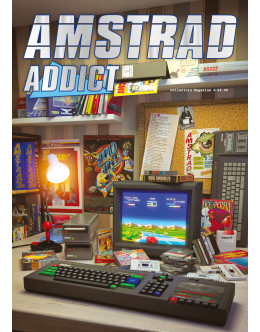
Amstrad Addict Collectors Magazine - PRINT EDITION
Amstrad Addict Collectors Edition Magazine is a one-off special print magazine produced in limited n..
£10.00
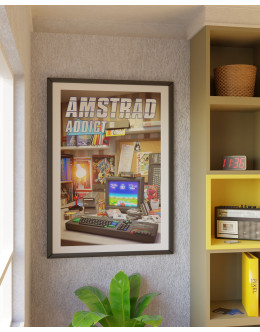
Amstrad CPC Wall Poster Art Print - Amstrad Addict - A2 Size
Amstrad CPC art print wall poster, available either with or without the Amstrad Addict magazine logo..
£15.42
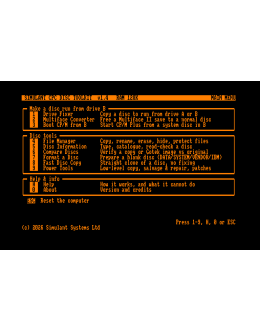
Simulant CPC Disc Toolkit
SOLD AS DIGITAL DOWNLOAD (.DSK FILE) - CAN BE COPIED TO YOUR OWN REAL FLOPPY (Print..
£10.00
