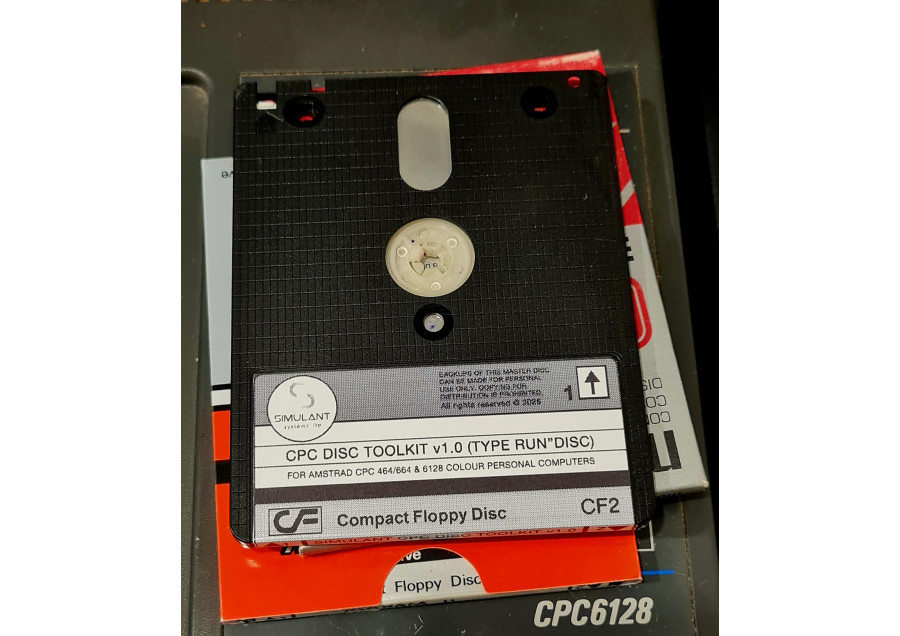
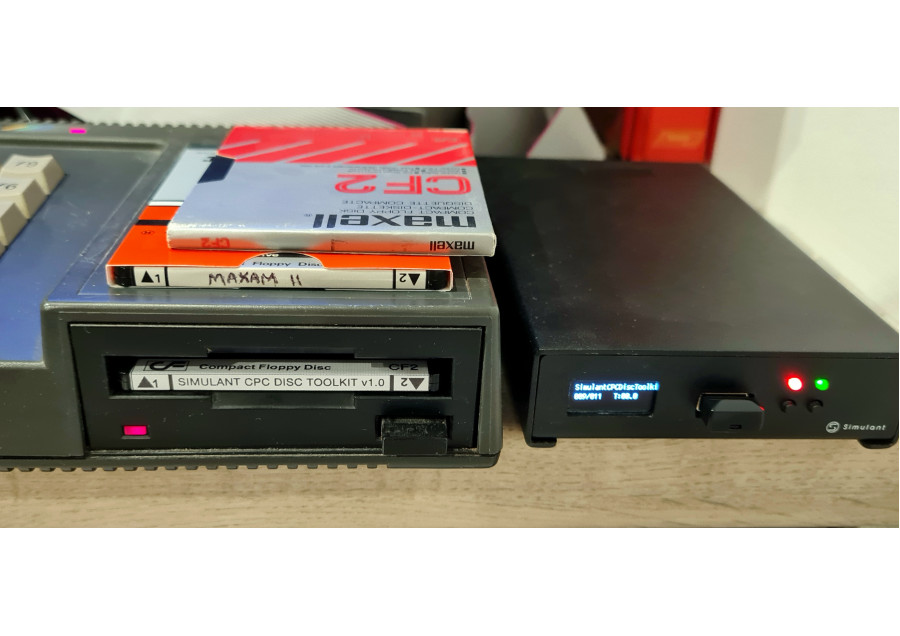
SOLD AS DIGITAL DOWNLOAD (.DSK FILE) - CAN BE COPIED TO YOUR OWN REAL FLOPPY
(Printable disc label artwork supplied with download)
Break Free From Drive A
The Simulant CPC Disc Toolkit: a complete set of disc utilities for the Amstrad CPC.
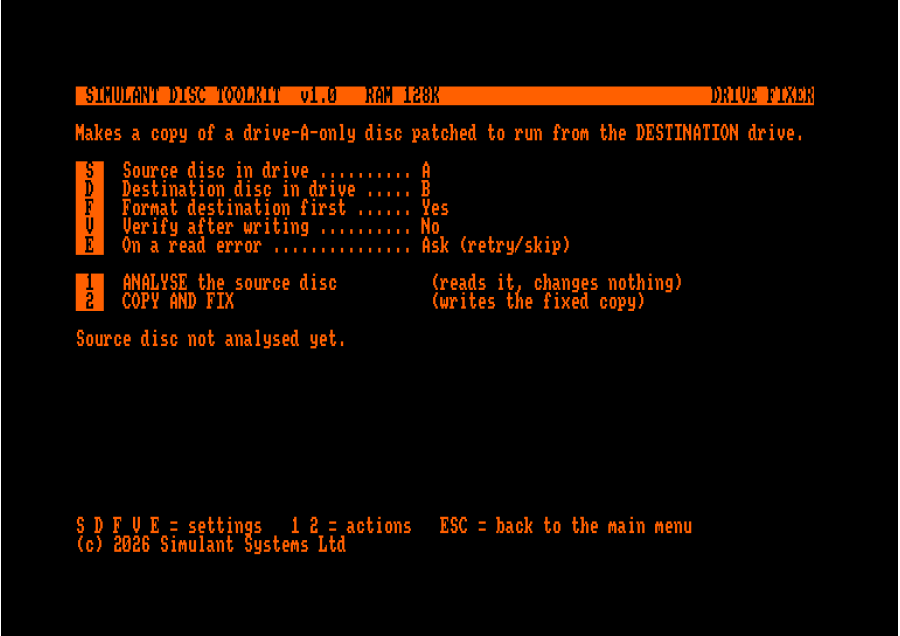
Its Drive Fixer lets you take compatible Amstrad CPC games and software designed to run from Drive A and attempt to patch them for use from Drive B.
It also includes a collection of essential disc utilities for copying, comparing, verifying, formatting and managing CPC discs, plus tools for converting Multiface II saves and booting CP/M Plus from Drive B.
Run Compatible Software From Drive B
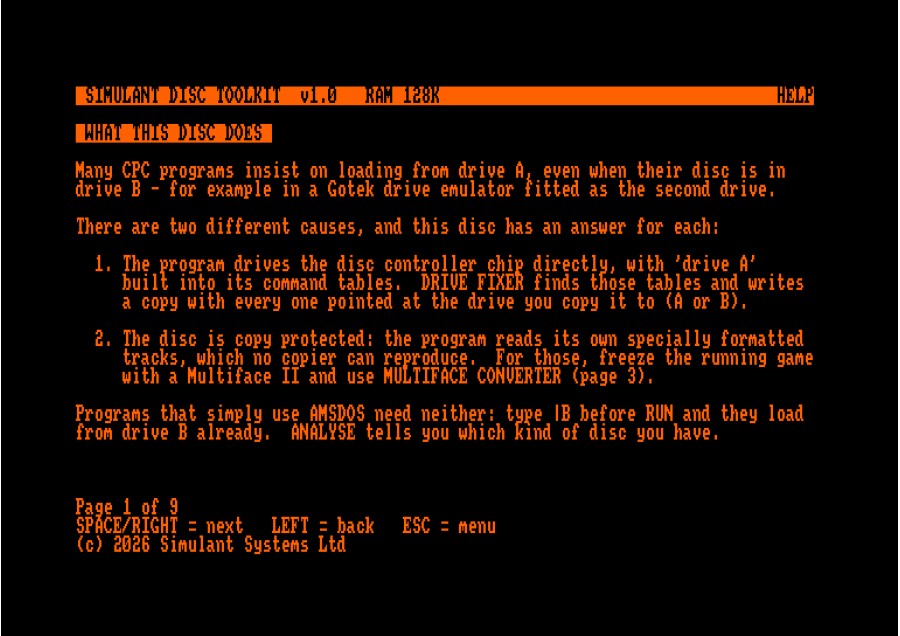
Many Amstrad CPC games and applications assume they are being started from the internal Drive A. This can make using them with an external floppy drive, second drive or Gotek more difficult.
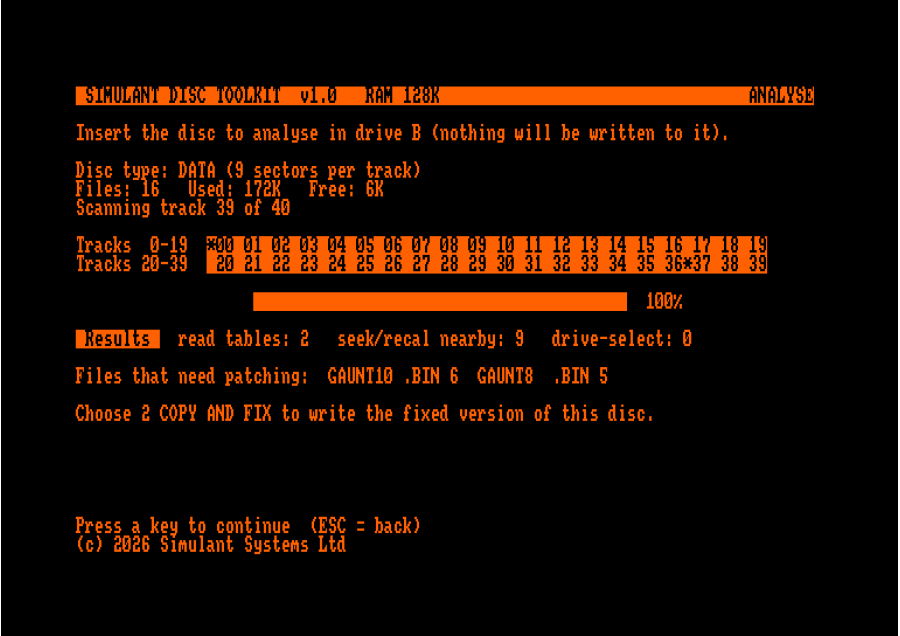
Drive Fixer analyses a compatible disc and attempts to modify the necessary disc code so the software can run from Drive B instead.
This can make compatible software usable with:
- Amstrad CPC Drive B
- External floppy drives
- Gotek drives
- Other compatible disc configurations
No hardware modification or ABBA switch is required for the software conversion itself.
Compatibility depends on the individual game, application and protection scheme. Drive Fixer attempts the conversion rather than guaranteeing that every disc can be patched.
Everything You Need for CPC Discs
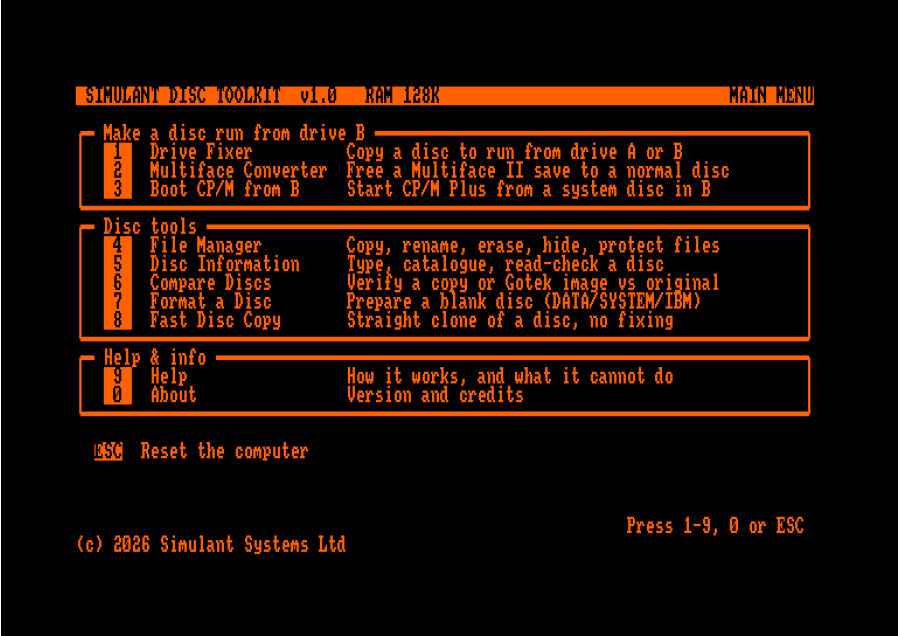
1. Drive Fixer
Attempt to patch Drive A-dependent software for Drive B.
Analyse a disc-based game or application and attempt to remove its dependency on the internal Drive A. Patched software can then be used with compatible Drive B, external-drive and Gotek configurations. The copy is patched to run from whichever drive you copy it to, and it can also be converted back again.
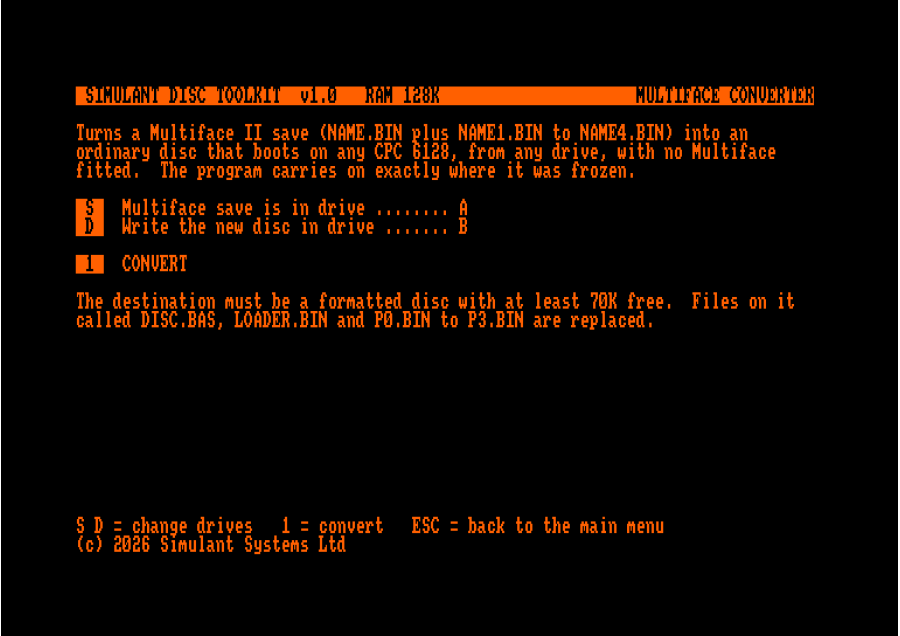
2. Multiface Converter
Convert Multiface II saves into normal, self-booting discs.
Convert a Multiface II save into a standard disc so a frozen game or program can be kept and re-run without the Multiface hardware fitted. The converted disc runs on any 128K CPC (a 6128, or a 464/664 fitted with a 64K RAM expansion). As a Multiface save is a snapshot of memory, it works best for software that fits in RAM and does not reload from disc as it runs.
3. Boot CP/M from B
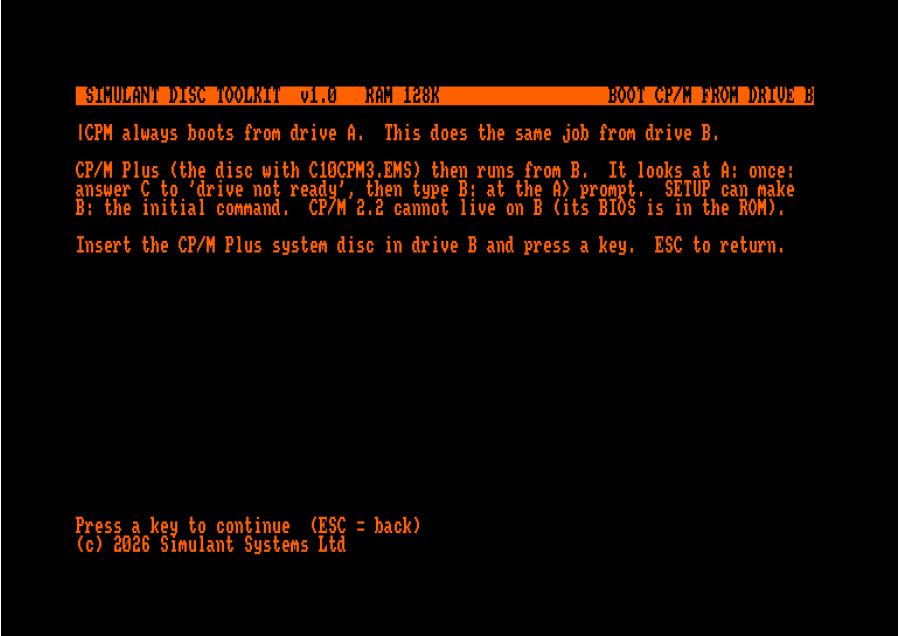
Boot CP/M Plus from a system disc in Drive B.
Designed for CPC users working with CP/M Plus and alternative drive configurations.
4. File Manager
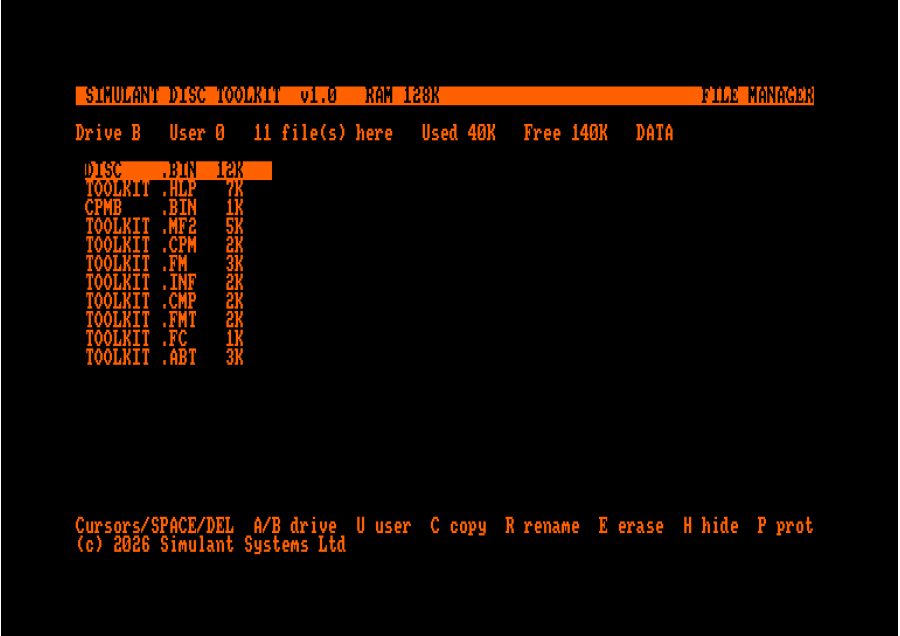
Copy, rename, erase, hide and protect files on CPC discs.
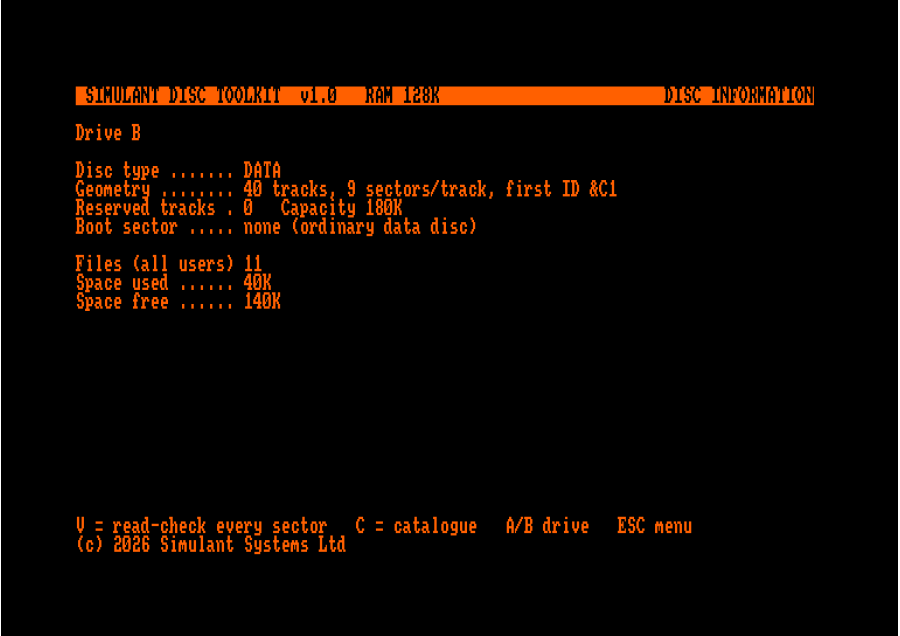
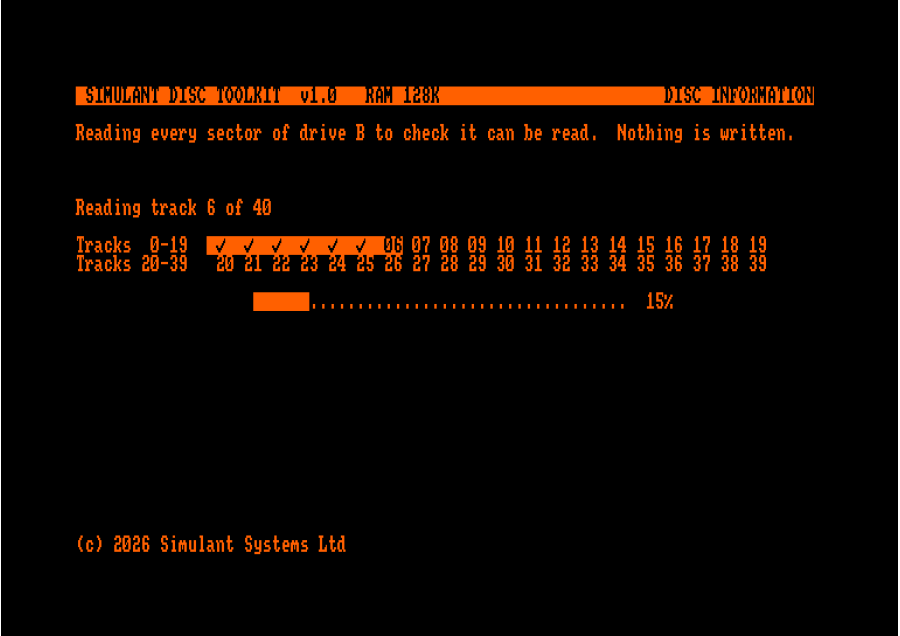
5. Disc Information
Inspect a disc's type, catalogue and contents, and perform a read-check to help identify reading problems.
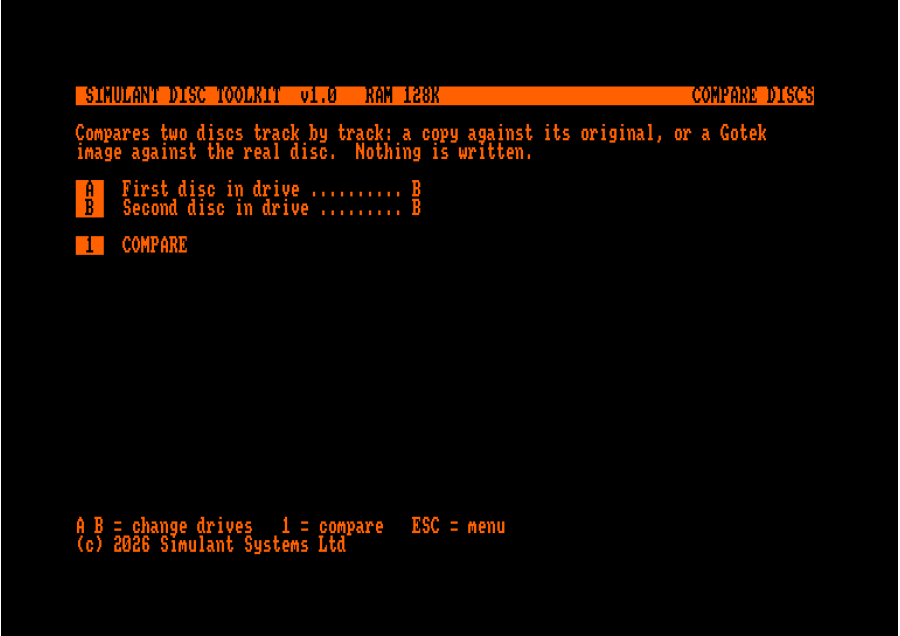
6. Compare Discs
Compare two discs sector-by-sector (using two drives) to verify that a copy matches the original. Useful for backups and disc preservation.
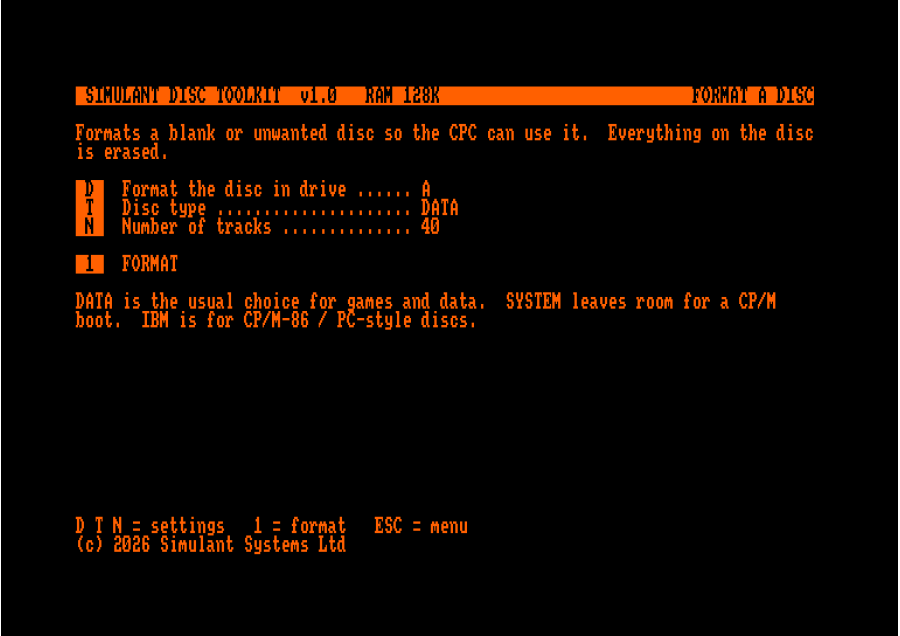
7. Format a Disc
Format blank discs using supported DATA, SYSTEM, VENDOR or IBM formats.
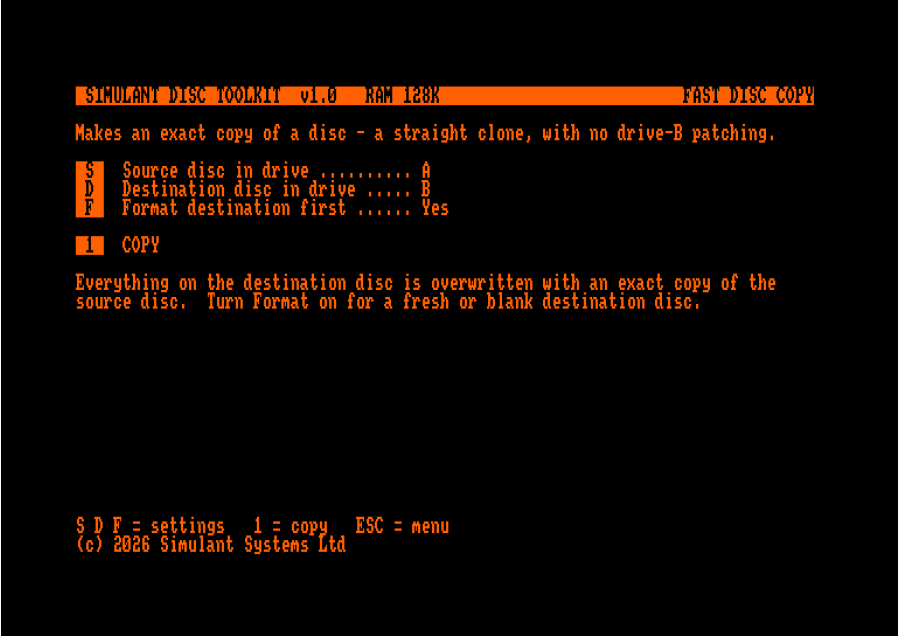
8. Fast Disc Copy
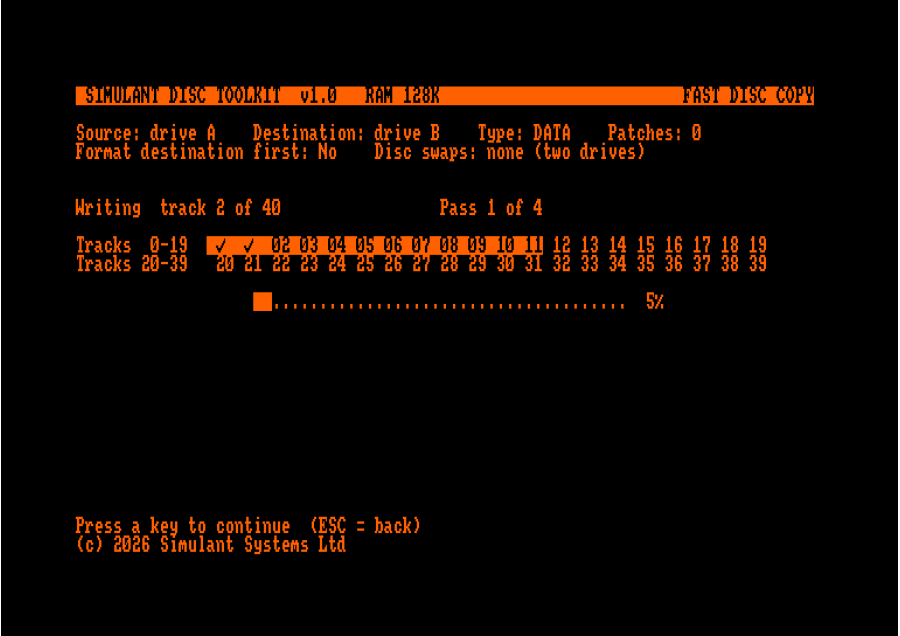
Clone a disc as-is. Fast Disc Copy creates a straight copy without attempting to fix or modify the source disc.
Built for CPC Enthusiasts
Whether you're using original CPC floppy hardware, an external drive, Drive B or a Gotek, the toolkit gives you practical tools for working with your disc collection.
- Retro Gaming – Use compatible software with alternative drive configurations.
- Disc Preservation – Copy, compare, verify and manage important discs.
- Hardware Experimentation – Work with external drives, Drive B and Gotek setups.
- Backup & Restoration – Create copies and verify that they match the originals.
- CP/M Plus – Boot system discs from Drive B.
- Developers & Enthusiasts – Easily copy files from disc to disc. Analyse and experiment with disc-based software.
Good to Know
The toolkit is built to be genuinely useful and straightforward about how CPC discs work. Here's what it does well, and a few things worth knowing.
Works with your setup. Real 3" drives, external drives, Drive B and Gotek configurations, on any Amstrad CPC (464, 664 or 6128) with a disc drive.
Copying that matches your media. Copies to real discs are automatically formatted to match the source, so a clone just works. For Gotek copies, simply start with a disc image of the same format type as the source and the CPC writes your data straight onto it.
Drive Fixer does the hard part for you. It attempts to patch compatible software to run from Drive B (or back to Drive A). Whether a given title can be patched depends on the individual game and any copy protection it uses, Drive Fixer attempts the conversion rather than guaranteeing every disc, and it isn't a copy-protection remover. If a title isn't patchable today, you can report it for a future update.
Preserve your Multiface saves. The Multiface Converter turns a Multiface II save into a self-booting disc that runs on any 128K CPC. Ideal for games that fit in memory and don't reload from disc as they run.
Honest by design. The toolkit tells you clearly when a disc isn't ready, can't be read, or needs a matching disc - so you always know a copy really was written, rather than guessing.
System Requirements
- Computer: Any Amstrad CPC (464, 664 or 6128).
- Disc drive: An internal or external disc drive (such as the DDI-1), or a Gotek with FlashFloppy.
- CPC disc image (.DSK): Write it to a real 3" floppy, or copy it onto a Gotek with FlashFloppy, then load it on your CPC.
- Multiface Converter: Converted discs require a 128K CPC to run (a 6128, or a 464/664 with a 64K RAM expansion).
- Boot CP/M from B: Requires a CP/M Plus system disc.
- Compare Discs: Requires two drives (for example an internal drive plus a Gotek).
Free Future Updates
Buy once and receive free future software updates.
We're continuing to develop the toolkit with new compatibility, improvements and additional disc features. Updates are added to your account so you can download the latest version without buying another release.
Planned and ongoing improvements include:
- A growing catalogue of compatible games and applications
- Improved compatibility with more discs and disc types
- Improved low-level disc copying
- New disc utilities and features
- Bug fixes and compatibility improvements
If a particular game or application isn't currently patchable, you can report it for consideration in a future update.
One Purchase. A Complete CPC Disc Toolbox.
From patching Drive A dependencies and converting Multiface II saves to copying, comparing, formatting and inspecting discs, the Simulant CPC Disc Toolkit brings essential Amstrad CPC disc utilities together in one package.
Key Features
- Drive A dependency fixer - Attempt to patch compatible software to run from Drive B, or convert patched software back to Drive A.
- Gotek & external-drive support
- Multiface II save converter (converted discs need a 128K CPC to run)
- CP/M Plus from Drive B
- File manager
- Disc information & read-check
- Disc comparison
- DATA, SYSTEM, VENDOR & IBM formatting
- Fast disc cloning
- Built-in help
- Free future updates
Get more from your Amstrad CPC disc system.
Simulant CPC Disc Toolkit
- Brand: Simulant
- Product Code: simulant-cpc-disc-toolkit
- Availability: In Stock
-
£10.00
Related Products
Amstrad Addict Collectors Magazine - PRINT EDITION
Amstrad Addict Collectors Edition Magazine is a one-off special print magazine produced in limited n..
£10.00
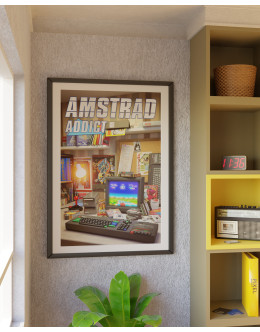
Amstrad CPC Wall Poster Art Print - Amstrad Addict - A2 Size
Amstrad CPC art print wall poster, available either with or without the Amstrad Addict magazine logo..
£15.42
Tags: drive B, disk B, external drive, external disk, 464, 6128, 664